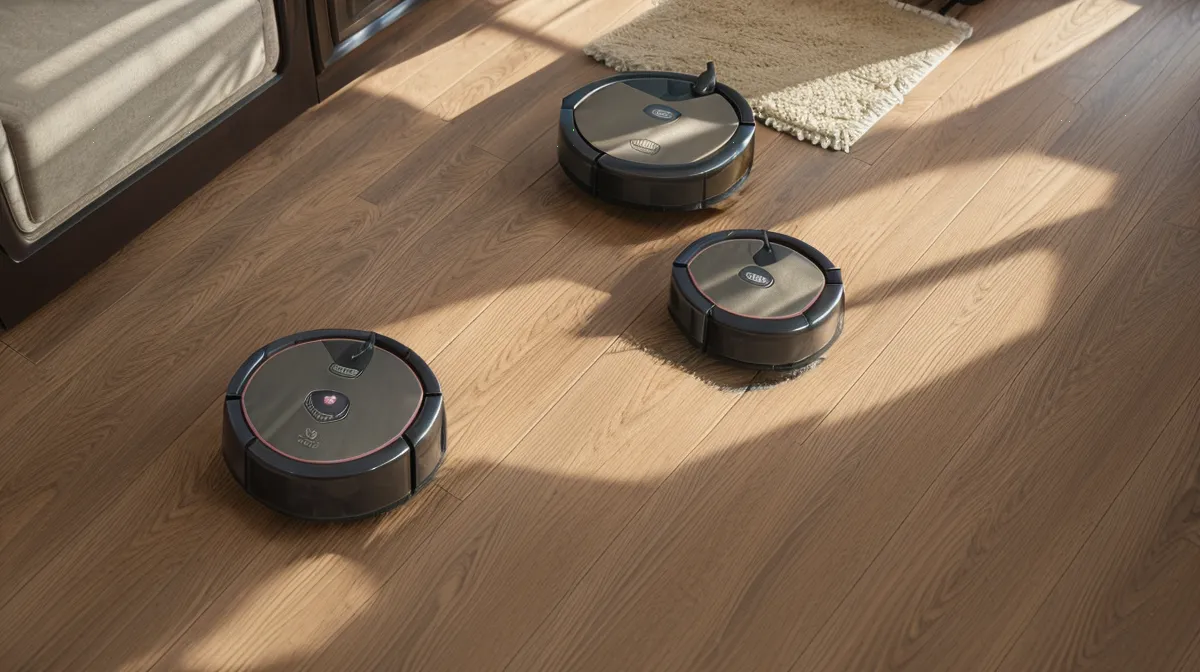
A robot vacuum insists it's about to tip off a cliff when it's parked flat on dry hardwood, nowhere near an actual drop. That's the troubleshooting puzzle that ate a chunk of a week here: a textbook cliff sensor error, same corner by the entryway rug fringe, three runs in a row, no stairs, no edge, nothing but flat floor underneath it.
Sam looked up from the cutting board the third time it happened, knife still in hand, and asked whether the machine was possessed or just over it. Beans worked the floor around his feet for scraps, unbothered by the drama. Murph, stretched out in the hallway exactly where the bot had just frozen, was in fact the answer, though nobody in the room had clocked it yet.
Murph sheds like it's his job, and huskies apparently run that job on a clock that has nothing to do with the actual seasons. The fine gray undercoat dust that collects around the underside of a robot vacuum is close to invisible to a person and plenty thick enough to scatter the infrared beam the bot fires at the floor to check for drops. Flat hardwood ten feet from any real stair starts reading as open air, and the unit slams on the brakes in the same spot, over and over.
Troubleshooting a cliff sensor error, it turns out, has very little to do with electronics and a lot to do with basic robot vacuum maintenance that no companion app bothers to explain clearly.
What's Actually Behind a Cliff Sensor Error?
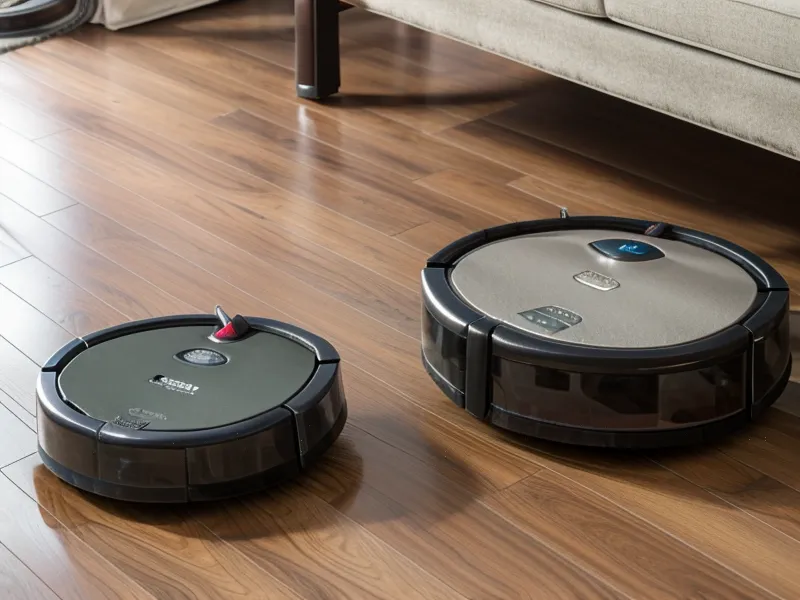
Every app I've used for one of these bots treats a pause like a five-alarm emergency, red banners, duplicate push alerts, the same contempt for your time as a checkout flow that makes you re-enter your card number after your cart times out. None of them explain that a modern bot runs on a small fleet of sensors instead of one all-seeing eye, and that any single window going dark can trigger that same frantic alert.
Underneath the bumper on most round-chassis bots sit four to six small infrared cliff sensors, firing a beam straight down and timing how fast it bounces back. A quick return reads as floor. A beam that doesn't come back, or comes back scattered, reads as a drop, which is exactly what a dust-caked lens fakes. Tucked into a cutout on the side bumper is a separate wall-following diode that measures distance from the baseboard so the side brush can flick debris out without ramming the trim. Up front, a small camera and a cross-laser handle low obstacles: shoes, charging cables, the occasional dog toy. On the dock itself, a glossy IR panel lines up with a matching receiver on the bot's nose once the battery drops low enough to send it home.
None of that is the same fight as a rug edge catching a brush roll, which is a lesson I'd already paid for once. A cheap, bottom-of-the-lineup bot I brought in as a stopgap got tangled in the fringe on that same entryway rug on its very first run and never recovered, which taught me plenty about brush rolls and nothing about sensors. If your unit is choking on rug patterns instead of actual drop-offs, that's a related but separate problem, one I broke down in why your robot vacuum keeps ghosting your area rugs.
The Cleaning Mistakes That Make It Worse
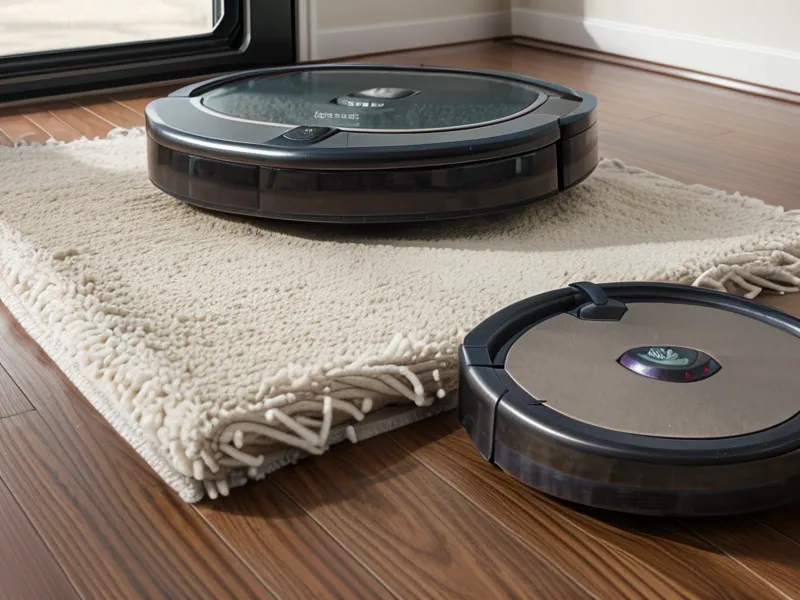
The instinct to just wipe the thing down fast is where most of the damage happens. I reached for a kitchen paper towel and a spray bottle of all-purpose cleaner the first time I got fed up with error pop-ups, and that single decision cost me a sensor for good.
Wood-pulp paper towels are fine for countertops and useless on polycarbonate lenses. The fibers act like fine sandpaper, leaving a haze of hairline scratches that scatter infrared light permanently, and once a lens is frosted like that, nothing afterward fixes it. Melamine foam, the kind sold as a magic eraser, is worse: it's an abrasive block built to sand away stains, and three passes over an optical window turns it opaque. Standard glass cleaner and kitchen degreaser carry ammonia or citrus solvents that leave a thin film on plastic, and that film attracts fresh pet dander the moment the bot's exhaust fan kicks back on.
Skip the Can of Compressed Air
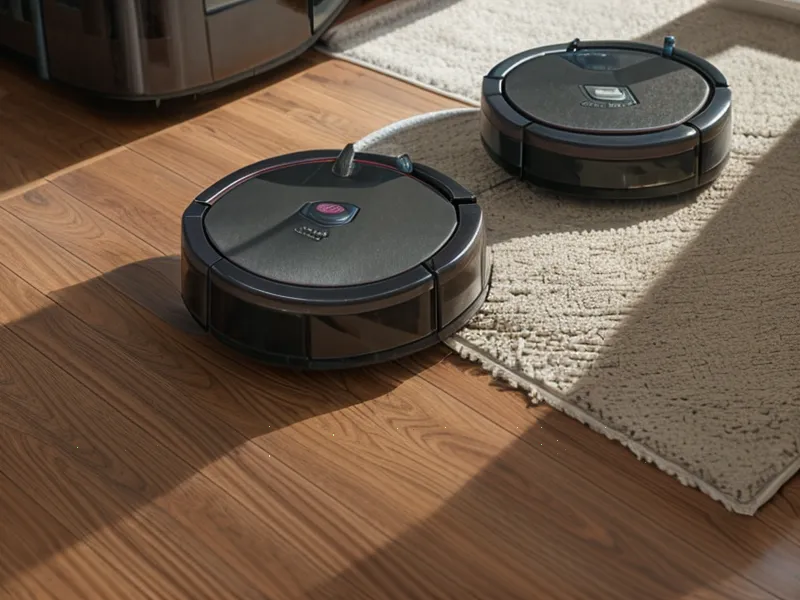
Canned air feels like the responsible move. Pull the trigger, watch a cloud of gray fur shoot out of the wheel wells, call it maintenance. It is not.
These bots aren't sealed capsules. The housings around each lens and bumper pivot have small air seams, and blasting those seams with high-pressure gas, especially if the can tips and sprays a little liquid propellant, drives fine dander behind the lens instead of off it. Once that particulate settles on the interior side of the glass, there's no getting it out without a screwdriver and a voided warranty.
Around week four of running two otherwise identical units side by side, one cleaned with compressed air and one wiped by hand, the air-cleaned unit had already developed a persistent blind spot in the same front-left corner. The hand-cleaned one hadn't. That's one household's dustbin tally, not a lab result, but it was consistent enough that the can went in the trash for good.
A Three-Minute Routine, Not a Fire Drill
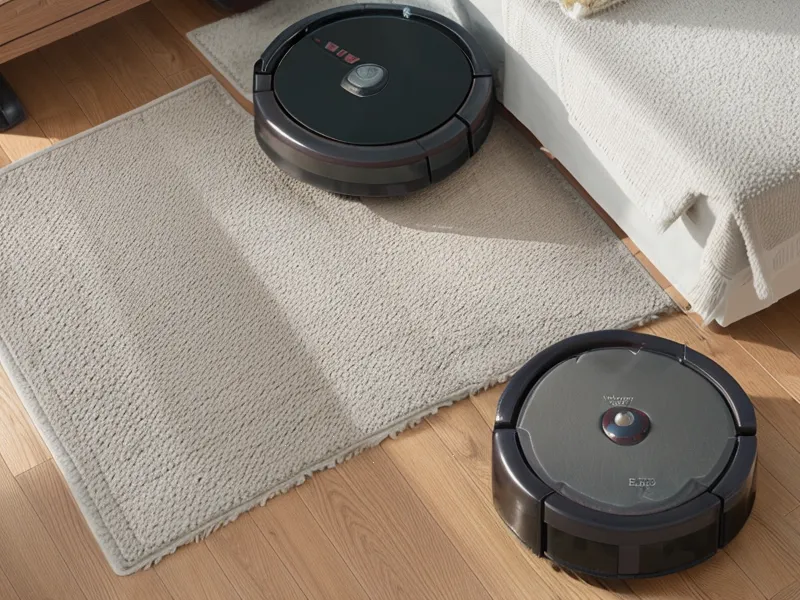
Nothing about this requires a special kit. The same care you'd give a camera lens or a decent pair of glasses covers it.
The Dry Pass Handles Most of It
Flip the unit onto a towel or an old rug so the lidar turret doesn't get scratched, then take a dry microfiber cloth, the plush kind used for cars or monitors, or a plain cotton swab, and circle each cliff sensor recess along the rim. Static-bonded pet fur lifts off dry nine times out of ten.
The Wet Wipe, for Stubborn Spots Only
Dried slobber, kitchen grease mist, or mud tracked in from outside sometimes bakes onto the front sensor and won't budge dry. For that, a cotton swab barely dampened with 70 percent isopropyl alcohol, never sprayed directly onto the unit, wiped once and followed immediately by the dry side of the cloth, dissolves the film without crazing the plastic or reaching anything electrical underneath.
Don't Ignore the Dock's Emitter
The dock has its own dark IR strip on the face, and if household dust coats it, the bot pulls up within six inches, spins like it's lost, and dies on the floor with a flat battery instead of docking. A dry wipe of the charging face every time you tend to the bot keeps that from happening.
Folding Sensor Maintenance Into the Dustbin Tally
Heavier shed season brings this back around every year, Murph dropping undercoat in clumps and Beans working her usual needle-fine hairs deep into the hallway runner. Colette texted around then asking how big a dustbin I'd actually recommend for a golden retriever's coat, and I didn't have a clean answer for her, dustbin capacity turns out to be its own rabbit hole. What changed for me wasn't a bigger bin, it was timing: a thirty-second sensor check folded into every third or fourth bin-empty instead of waiting for an error chime to flag something wrong.
Popping the bin loose still gives that small metallic snap right before the lid lets go, and now that sound is the cue to flip the chassis over and run a dry swab around the sensor rim before setting the bot back down. If the struggle continues even with clean sensors, the mapping side of things is worth a look too, covered in how to actually map your house without your robot vacuum choking on dog hair.
The actual takeaway, the one worth telling anyone about to return a bot over a cliff sensor error: a false drop-off alert is a cleaning problem close to nine times out of ten, not a defective-unit problem, and a dry microfiber cloth solves more of it than a support ticket ever will.