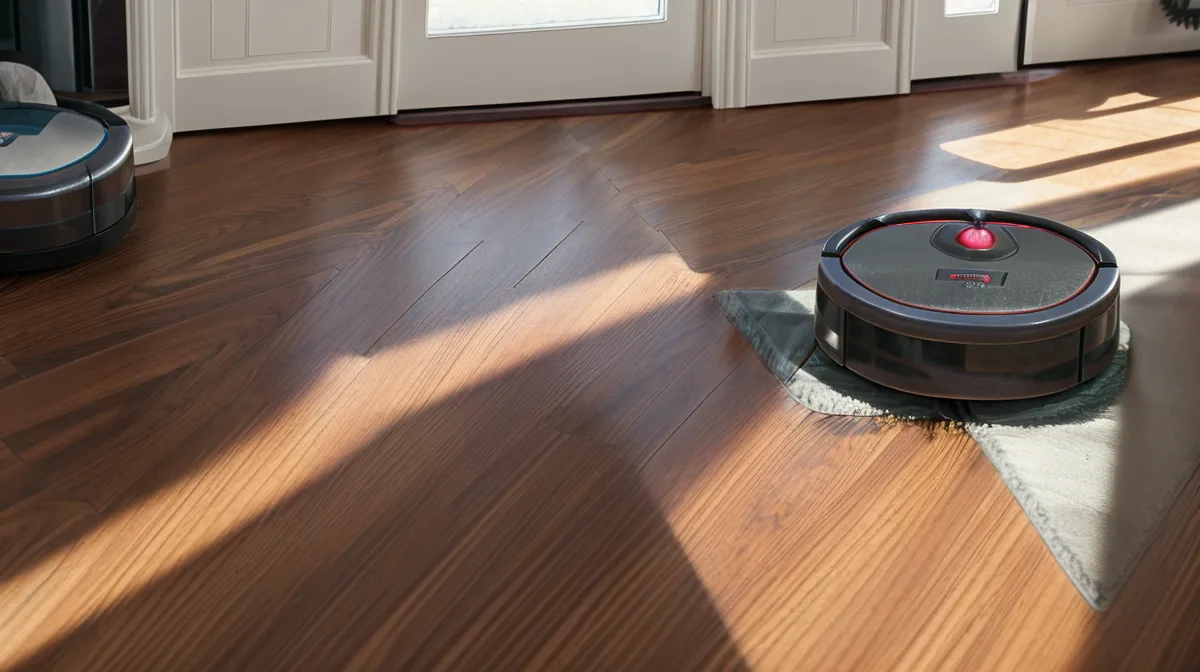
A bigger battery and a smarter room order are not the same fix for a robot vacuum that keeps dying halfway through a multi-room floor plan, and only one of them actually works once a house has more than four or five rooms. That is the part nobody puts in the marketing copy when you are comparing robot vacuum specs: the battery number on the box predicts less about real-world runtime than how many times the bot doubles back through a hallway it already cleaned. These are the robot vacuum tips that actually moved the needle on battery life in a floor plan that is not open-concept, with two dogs who treat every room as a shedding station. Multi-room cleaning is a routing problem dressed up as a battery problem, and the real fix is battery preservation through settings and maintenance, not a bigger pack.
Our house is an older one, split into more small rooms than any modern floor plan would allow, and Murph and Beans do not help the cause. Between a husky mix and a senior beagle, there is always a fresh layer of fur for the bot to find, and none of that shows up on a spec sheet. What showed up in my dustbin tally, after a lot of runs, was that the bot finishing with the least charge in reserve was never the one with the smallest battery. It was the one that spent the most time standing still, recalculating, or clawing its way over a doorway it had already crossed twice.
Battery Capacity on the Box Doesn't Predict Multi-Room Runtime
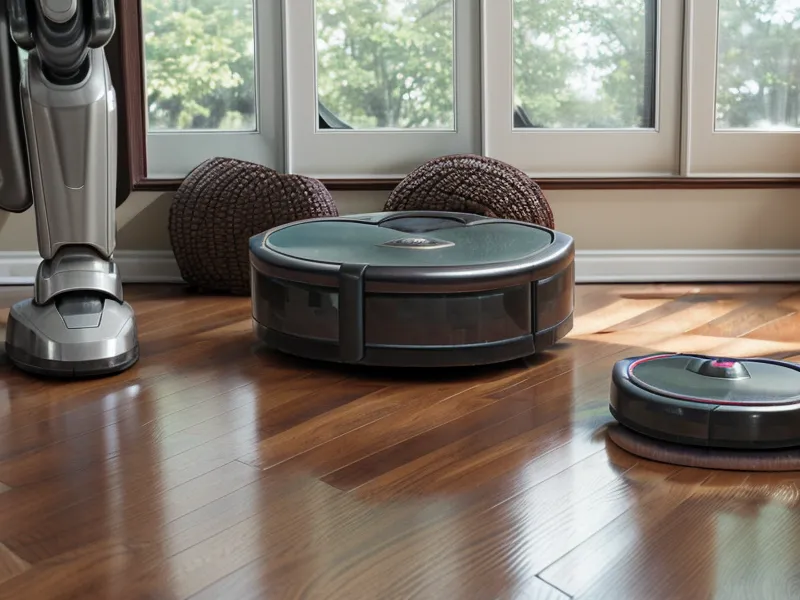
Most mid-tier and higher robot vacuums ship with a lithium-ion battery and a marketing line about multi-hour runtimes on a single charge. In a wide-open loft with laminate floors and nothing to navigate around, that number probably holds up. In a house broken into a lot of small rooms, it rarely does, because the vacuum's sensors and onboard processing are drawing power constantly, whether or not the brush roll is spinning. Every doorway it crosses, every chair leg it has to route around, every moment it pauses to recalculate a path because a door swung half shut, is runtime spent on navigation instead of pet hair.
Thresholds make it worse. A half-inch transition strip between rooms forces the drive motors to spike their output just to climb it, and a bot that misjudges the angle and has to back up and try again burns through more charge on that one hump than it would cruising across an entire room of open floor. None of this appears anywhere in the specs. It only shows up once you start timing how long the bot spends stuck at a doorway instead of actually cleaning.
Why Forcing a Mid-Cycle Recharge Wears the Pack Down Faster
Most setup wizards push you toward one schedule: clean the entire house, every room, twice a week. If the battery runs out halfway through, the bot heads back to the dock, waits until it has enough charge to feel brave again, and goes back out to finish whatever rooms it skipped. That default never worked well for me. The bot always came back from the second half of the run with less charge in reserve than a fresh, fully rested pack would have given it, because asking a battery to do a partial top-off and then immediately go back into a high-drain cleaning cycle is a rougher ride for it than one full, uninterrupted charge.
Breaking the house into separate cleaning zones, run hours apart instead of back to back, fixed more of the shrinking-runtime complaints than anything else I changed. Instead of asking one robot vacuum to run a marathon across every room in a single sitting, split the floor plan into two or three zones and let the battery finish a full, cool recharge between each one. It is less convenient than one tap-and-forget schedule. It is also the single best thing you can do for long-term battery preservation in a home with more than a handful of rooms.
Sequence Rooms by Distance, Not by Default Map Order
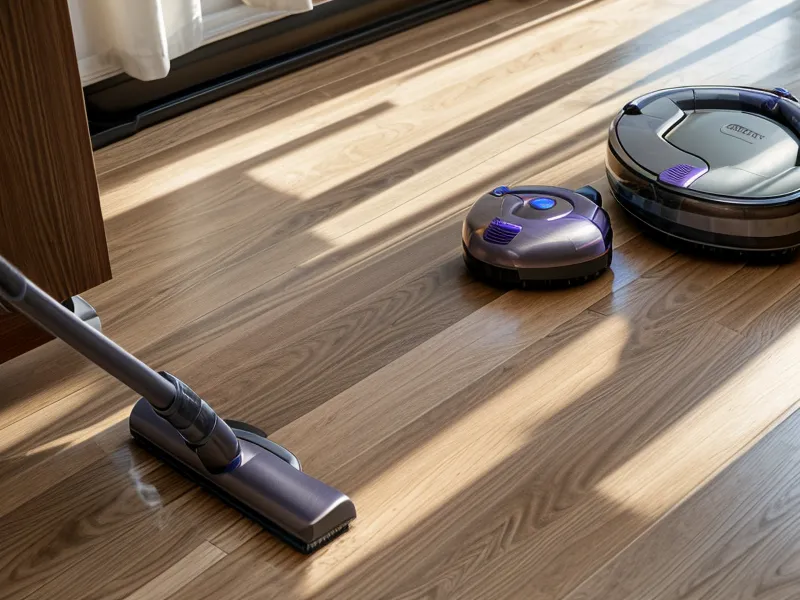
Robot vacuum apps treat room order like an afterthought, buried a couple of menus deep behind the toggle that actually matters, the one nobody opens because it looks cosmetic. Left on default logic, a bot will clean rooms in whatever order the app originally mapped them, which usually means starting in the farthest room, crossing the entire house to hit the room right next to the dock, backtracking across the same floor to catch a corner it missed, and burning a meaningful chunk of the pack on transit before it has picked up any real amount of hair.
The fix is to open the map editor and set the order yourself. Send the bot through rooms nearest the dock first and work outward, or the reverse, so it never deadheads back through a space it already finished. Group the rooms where Murph and Beans do the most damage into their own run instead of scattering them across the schedule, so the heaviest cleaning happens together instead of being split across two half-finished passes. And turn off the edge-cleaning pass on every single run. Modern roller and side-brush geometry already pulls hair and dust off the baseboards without the bot needing to scrub them twice on every lap.
Logged against the dustbin tally, the difference was not small. Ordering rooms in a sensible, closest-to-furthest pattern instead of letting the app's default logic decide brought the bot back to the dock with close to a third more charge left, run after run, compared to the scattershot order it started with.
Do You Need Max Suction on Hardwood Floors?
No. On bare hardwood or smooth laminate, cranking the suction to Turbo or Max roughly doubles how much power the bot pulls in the moment, for pickup you cannot actually see a difference in. The roller and the squeegee blade do almost all of the physical work on hard flooring. Airflow is mostly there to pull loosened debris into the bin, and it does not need to be screaming to do that. I noticed the exact same pattern while testing for a piece on obstacle avoidance versus suction power: route planning and mechanical contact with the floor matter more than brute airflow, almost every time.
Save high suction for medium-pile rugs, where the extra airflow genuinely lifts out more debris, and leave the bare floors on Standard or Quiet. Most current mapping systems let you set suction per room instead of per whole-house run, so the hallway and kitchen can stay quiet and cool while the living room rug gets the boost it actually needs. That single setting change does more for everyday battery preservation than anything you will find in a generic smart-home maintenance checklist.
Brush Roll Drag and Caster Wheel Friction, the Invisible Battery Tax
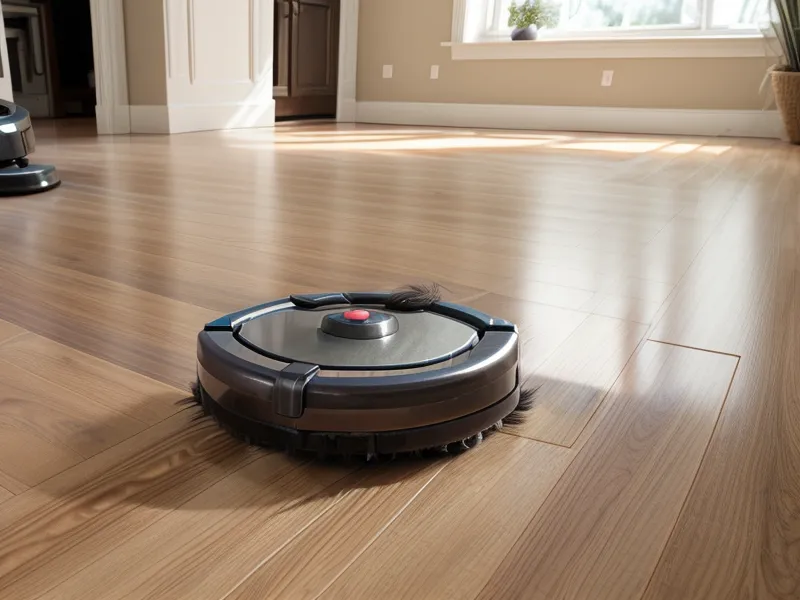
Battery drain is not only a software problem. Dog hair wrapping tightly around the bearings at the end of the brush roll, or packing into the front caster wheel's swivel socket, forces those motors to work harder just to hold their normal speed. The bot usually will not throw an error for this. It just quietly pulls more current than it should, run after run, and runs hotter while it does it.
Clearing that buildup is a five-minute job, and it belongs on the same checklist as rinsing the bin and wiping the sensors. Pop the roller out, cut away the wound-up fur near the end caps, and pull the caster wheel out of its socket to clear whatever grease and dust has worked its way in there. While it is flipped over, wipe down the charging contacts and the optical sensors too. I put together a full walkthrough on how to clean robot vacuum sensors for anyone whose bigger headache is error alerts, but even without a single fault code, dirty sensors make the bot slow down, hesitate at doorways, and tap baseboards more than it needs to, which stretches a forty-minute run into something closer to an hour.
Keep the Charging Dock Away From Heat
Heat is the other quiet drain, and it does not show up right away. A pack that sits fully charged somewhere warm all afternoon degrades faster than one that charges and then cools back down in the shade. We had the dock plugged in somewhere that caught direct sun for part of the day, mostly because it was the closest outlet, and the runtime kept creeping down before it was obvious why. "Why does it keep dying closer to the house now?" Sam asked, when the bot started stalling two rooms short of where it used to finish.
Relocating the dock to a cooler, shaded spot fixed it within a run or two. If you have an older house with radiator heat or a sunny floor patch near an outlet, check where the charging cradle actually sits before you blame the battery itself. My neighbor across the alley, Yusuf, reads the spec sheet on every device before I even get it out of the box, and he is the one who pointed out that the cycle-count numbers printed on most lithium-ion packs assume a full, even charge and discharge, not the chopped-up partial cycles a recharge-and-resume schedule actually puts a battery through. Marketing copy does not mention that distinction. It matters anyway.
None of this requires buying a different vacuum. It requires treating room order, suction level, roller maintenance, and dock placement as the actual levers, instead of waiting for a bigger battery to fix a routing and maintenance problem. I was tracking dustbin weights for a piece on how reliable the self-emptying bin was for dog hair when the same pattern showed up again: the hardware was never the bottleneck. Fix the schedule, fix the suction settings, clear the hair out of the roller, and move the dock out of direct heat, and the dead-battery-stranded-mid-house problem mostly goes away.